01
Drop your photos
Add a single shot or a batch of up to 20. Your files stay on your device.
Remove backgrounds from product photos for free. Choose a transparent PNG, a white background or a marketplace-size canvas, then download one image or your whole batch.
Make my photos readyNo sign-up·No watermark
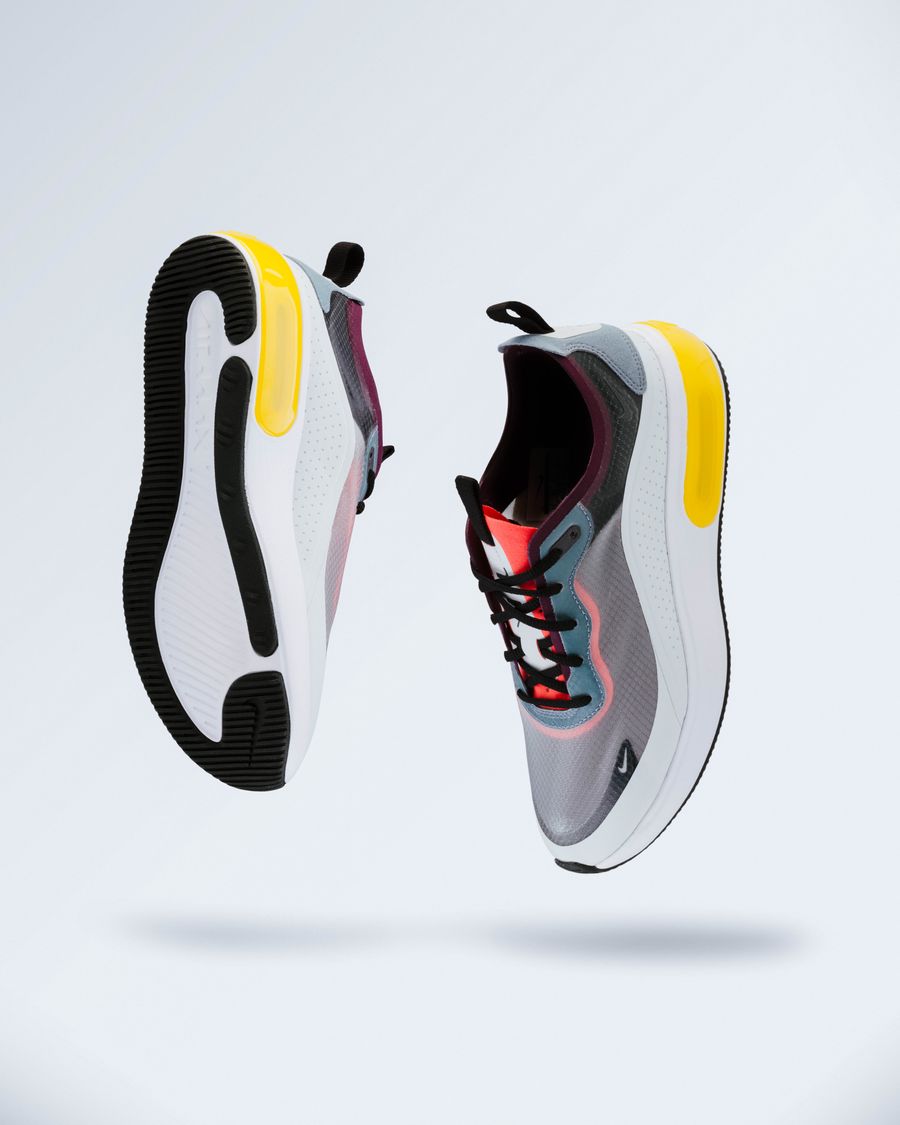 LESS CLUTTER. MORE PRODUCT.
One photo or a whole batch. Same simple workflow.
Give your products a little room to stand out.
JPG, PNG, WebP · up to 15 MB each · 20 photosYour photos are processed in your browser. They are never uploaded to our servers.
Add a single shot or a batch of up to 20. Your files stay on your device.
Remove the background, pick a color, and choose a size for your store.
Save one image or grab the whole batch as a ZIP. Original filename stems are preserved.
ShopCutout removes the background from a product photo so you can reuse the subject on a transparent, white or custom-color canvas. It is a useful starting point for sellers who receive supplier photos, photograph stock at home, or need a more consistent-looking catalog. Start with a clearly visible product, choose the background you need, and review the result before downloading.
This free background remover runs on your device. No account, credit balance or payment card is required. You can edit one product image or process a batch, then download PNG or JPG files without a watermark. The current version uses a lightweight model; glass, thin straps, loose fibers and reflective surfaces may need extra editing.
A transparent PNG keeps the space around your product clear. Choose it when the cutout will go into a design, a banner or another image editor. A white background product photo is a finished image with an opaque canvas. Choose white when you need a consistent product grid or a listing that calls for a plain backdrop.
ShopCutout exports transparent backgrounds as PNG and solid backgrounds as JPG. Switching between them changes the file you download, so check the selected background before exporting a batch. See our transparent PNG vs. white background guide for examples of when each format makes sense.
Add up to 20 JPG, PNG or WebP photos per batch. Each file can be up to 15 MB, with a 100 MB total batch limit. Background removal runs one image at a time in your browser to keep work organized. You can inspect each result and remove an unsuitable photo before creating the ZIP.
ZIP downloads retain the original filename stem and add the selected preset and an index. This helps you match exported photos to your source files, but it is not an automatic SKU importer or a marketplace upload service. Our bulk product photo workflow explains a simple naming and review process.
The Amazon and Etsy presets create a 2000 × 2000 px square. The Shopify preset creates a 2048 × 2048 px square. Each preset centers the detected subject and leaves space around it; selecting Amazon also selects a white background. You can keep the original canvas instead, with the longest output side capped at 4096 px.
These are convenient export settings, not a full compliance check. Store themes, listing positions and category rules can require different choices. In particular, Etsy does not support transparent listing images, according to its image guidance. Select a solid background for an Etsy listing. Always review the destination's current rules and the actual exported file.
The site downloads its background-removal model and runtime to your device. Selected images are processed locally rather than sent to our servers. Closing or refreshing the page clears the workspace, so keep your originals and save the results you want. Our Privacy Policy explains browser storage and hosting connection data in more detail.
For a first pass, try the free background remover with one ordinary product photo. Inspect the edges and canvas before processing the rest of your batch.
A practical first pass for product photos: choose a suitable original, remove the background, and review the file you plan to publish.
Read the guideA transparent cutout and a white-background photo solve different jobs. Choose the export that fits where the image will appear.
Read the guideA manageable batch starts with organized originals and ends with checked files, not just a completed progress bar.
Read the guideThe useful details, without the fine print.
Yes. Background removal, color backgrounds, canvas presets, and ZIP exports are free in this beta. No account, payment card, or credits required. Each batch supports up to 20 photos and 100 MB total.
Nowhere. Images are decoded and processed locally in your browser. The first use downloads a small open-source AI model and its runtime from this site. We do not upload, store, or train on your photos. Our hosting provider may retain standard connection logs.
A single, clearly visible product with good contrast works best. This free version uses the lightweight U²-Net model. Transparent objects, fine hair, reflections, and multiple overlapping subjects may need manual editing. Always check edges before listing.
No. Presets set the canvas size and center the detected subject. The Amazon preset also selects a white background and targets 87% fill on the longest subject dimension. They cannot check every category rule, watermark, product claim, or content requirement. Etsy and Shopify presets are convenient square sizes, not mandatory platform formats.
Upload JPG, PNG, or WebP files up to 15 MB and 25 megapixels each. Transparent images export as PNG; solid backgrounds export as JPG. Original-size output is capped at 4096 px on the longest side. Square presets are 2000 or 2048 px. Enlarging a small original does not restore missing detail. HEIC and SVG are not supported.